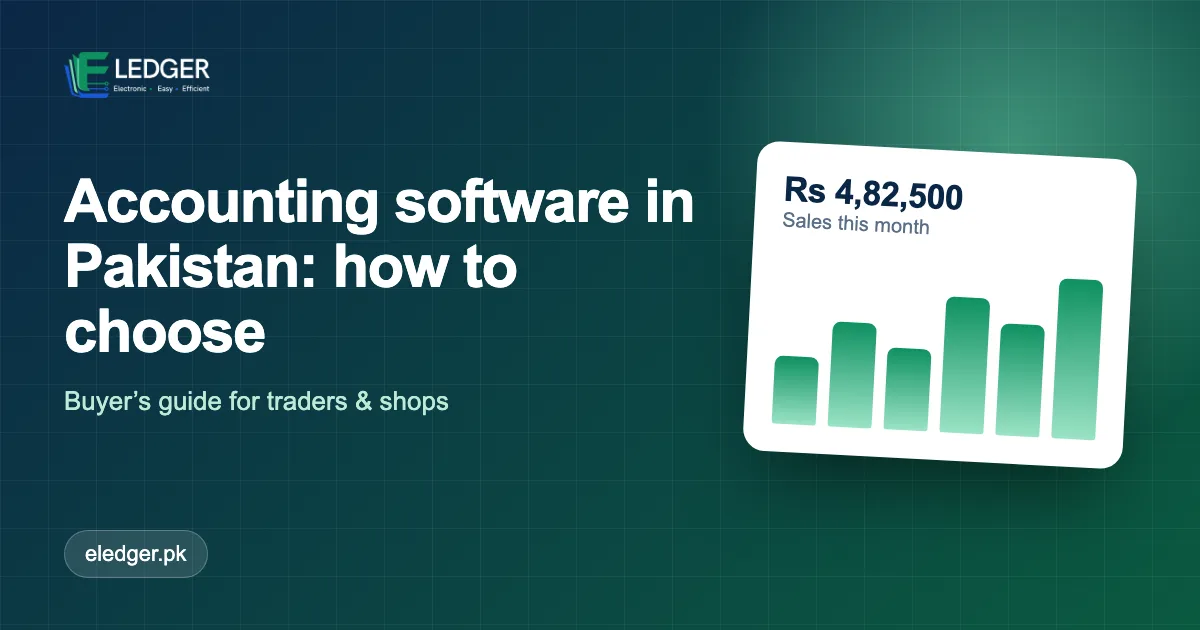
If your business still runs on a mix of notebooks, WhatsApp messages and Excel sheets, you have probably wondered whether accounting software in Pakistan is worth the switch. It is - but only if you pick software that fits how Pakistani traders, wholesalers and shopkeepers actually work. This guide explains what to look for, what to avoid and how to decide in a week instead of a quarter.
What Accounting Software Actually Does
Good accounting software replaces three jobs that are normally done by hand: recording every sale and purchase, keeping a running balance for each customer and supplier, and turning that data into reports you can trust. When those three are connected, you enter a transaction once and every ledger, stock level and report updates on its own.
That is the real value. Not "going digital" for its own sake, but ending the situation where the customer balance in the register, the number on the invoice and the figure in your head are three different numbers.
The Seven Features That Matter For A Pakistani Business
1. Customer And Supplier Ledgers (Khata)
Most trade in Pakistan runs on credit. Your software must show, at any moment, who owes you how much and since when - and what you owe each supplier. If this is weak, nothing else matters.
2. Fast Sales And Purchase Entry
A counter sale should take seconds, not minutes. Look for customer and product search as you type, saved rates and one-click invoice printing.
3. Inventory That Moves With Every Transaction
Stock should go down when you sell and up when you buy, without a second entry. Manual adjustments should be possible and recorded.
4. Printing That Suits Your Paper
You may print on A4 in the office and on a thermal roll at the counter. Check that the software handles both, and lets you add your logo, a note and a footer such as "Goods once sold are not returnable".
5. Roles And Permissions
Your salesman should not see purchase rates and your accountant should not be able to delete invoices. Separate logins with roles protect both your data and your staff.
6. Reports You Will Actually Use
Daily sales, outstanding balances, expenses, returns and a bill summary are enough for most small and mid-sized businesses. Fancy dashboards matter less than correct totals.
7. Local Pricing And Support
Pricing in rupees, support in your time zone and someone who understands words like udhaar, bill and recovery make adoption far smoother.
Cloud Or Desktop?
| Question | Cloud software | Desktop software |
|---|---|---|
| Access from shop, home and phone | Yes, through a browser | Only on the installed computer |
| Backups | Handled by the provider - ask how | Your responsibility |
| Works without internet | Needs a connection | Yes |
| Updates | Automatic | Manual |
| Multiple staff and branches | Easy | Complicated |
For most businesses with a reliable connection, cloud wins on convenience and safety. If your shop has unreliable internet, ask a vendor how they handle interruptions before you commit.
Questions To Ask Every Vendor
- Can I try it free with my own data before paying?
- How do I move my existing customers, products and opening balances in?
- What happens to my data if I stop paying - can I export it?
- Who can see my data, and how are staff permissions controlled?
- Is there a phone or WhatsApp number I can reach during business hours?
A Simple Way To Decide In One Week
- Day 1: List your top five daily tasks (for example: make a sale, receive a payment, check a customer balance, record a purchase, print a statement).
- Day 2-3: Request demos from two or three providers and ask each to perform exactly those five tasks.
- Day 4-6: Run a free trial with 20 real customers and 20 real products.
- Day 7: Choose the one your staff found easiest. Ease of use beats feature count every time.
Common Mistakes To Avoid
- Buying for features you will not use. Start with the basics and grow into more.
- Skipping opening balances. Without correct starting balances every report is wrong from day one. Plan this step.
- Running two systems in parallel for months. Pick a cut-over date and move completely.
- Ignoring staff training. One hour of practice with real transactions prevents weeks of mistakes.
The Bottom Line
The best accounting software for your business is the one your team will use every day and trust at month-end. Judge it on ledgers, speed of entry, inventory accuracy and support - not on the length of its feature list. If you would like to see how it feels with data like yours, start your 30-day free trial.
Frequently Asked Questions
What is the best accounting software for small businesses in Pakistan?
The best choice is the one that matches your daily work: fast sales entry, customer and supplier ledgers, inventory and printable invoices, with local support and rupee pricing. Try two or three on a free trial with real data and choose the one your staff finds easiest.
Is cloud accounting software better than desktop software?
For most businesses with a reliable connection, yes: you can work from the shop, home or phone, backups are handled for you and updates are automatic. Desktop software works without internet but is tied to one computer.
How much does accounting software cost in Pakistan?
Prices vary widely by features and number of users. Compare the monthly cost with the hours saved and the errors prevented, and always check what is included in each plan.