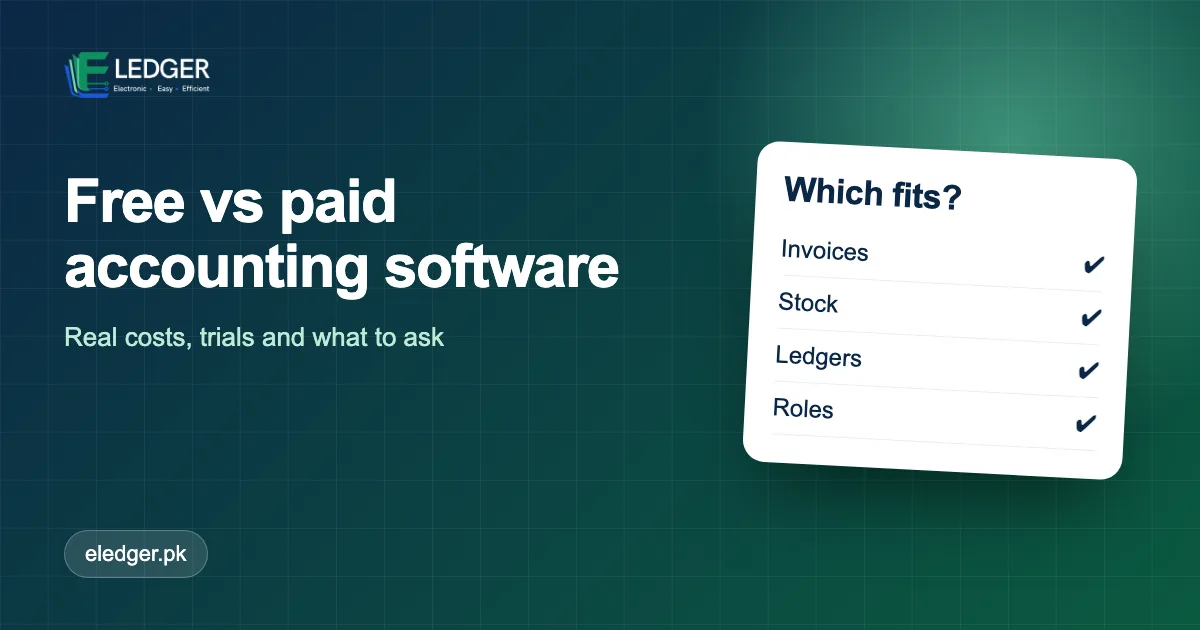
Searching for free accounting software is natural - nobody wants to pay before they know it works. The real question is what "free" costs you in time, risk and missing features. This guide compares free and paid options for Pakistani businesses and shows how to use a free trial to make a safe decision.
The Four Kinds Of "Free"
| Type | What you get | Watch out for |
|---|---|---|
| Free forever (limited) | Basic features, often few users or invoices | Limits that force an upgrade just as you grow |
| Free trial | Full features for a period | What happens to your data when it ends |
| Open-source / self-hosted | Free software, you run it | Setup, hosting and maintenance are on you |
| Spreadsheets | Flexible and familiar | Errors, no access control, no audit trail |
The Hidden Costs Of Free
- Your time. Building and fixing a spreadsheet system takes hours every month.
- Errors. One wrong formula can mis-state a balance for months.
- Risk. No access control or history means you cannot see who changed what.
- Migration. Moving from an outgrown tool later costs more than starting right.
What You Pay For In A Paid Plan
- Support when something goes wrong during a busy day.
- Backups and reliability you do not have to manage.
- Roles, permissions and separate logins for staff.
- Printing, reports and features that save hours each week.
- Continued development and fixes.
How To Judge Price Properly
Compare the monthly price with the hours it saves and the errors it prevents. If the software saves a staff member two hours a day, or helps recover even a small part of overdue balances, the plan usually pays for itself quickly. Also compare what is included: number of users, invoices, products and support.
Use A Free Trial Like A Professional
- Load real data. At least 20 customers and 20 products.
- Do a week of real work. Make sales, record payments, print invoices.
- Test the awkward cases. Returns, partial payments, a product used in an order.
- Ask about export. Confirm you can take your data with you.
- Test support. Send a question and see how fast and how clearly you get an answer.
Questions To Ask Before Paying
- What is included in this plan, and what costs extra?
- Can I change plans or cancel any time?
- Are prices in rupees and do they include taxes?
- What happens to my data if I cancel?
The Bottom Line
Free tools are fine for learning and for very small needs. Once you issue invoices, hold stock and extend credit, the cost of errors and lost time quickly exceeds the price of a proper plan. Try before you buy - and choose on how well the software fits your daily work.
Frequently Asked Questions
Are there free or affordable e-ledger tools for startups in Pakistan?
Yes - free tools and trials exist. Free tools suit very small needs; once you issue invoices, hold stock and extend credit, a paid plan usually saves more than it costs. Use a free trial with real data before deciding.
Does Eledger have a free trial?
Yes, every Eledger plan starts with a 30-day free trial.