"Is it safe to keep my business records online?" is the first question many owners ask - and it is the right one. Cloud accounting can be safer than a notebook or a single shop computer, but only if the provider takes security seriously and you use it sensibly. Here is a practical checklist to judge any provider, and the habits that protect you.
Paper And PCs Are Not Automatically Safe
A paper ledger can be lost, burned, stolen or quietly altered. A single computer can fail, be infected or be stolen with all your data on it. Cloud systems store data away from your shop and can be protected, backed up and monitored in ways that are difficult to do yourself.
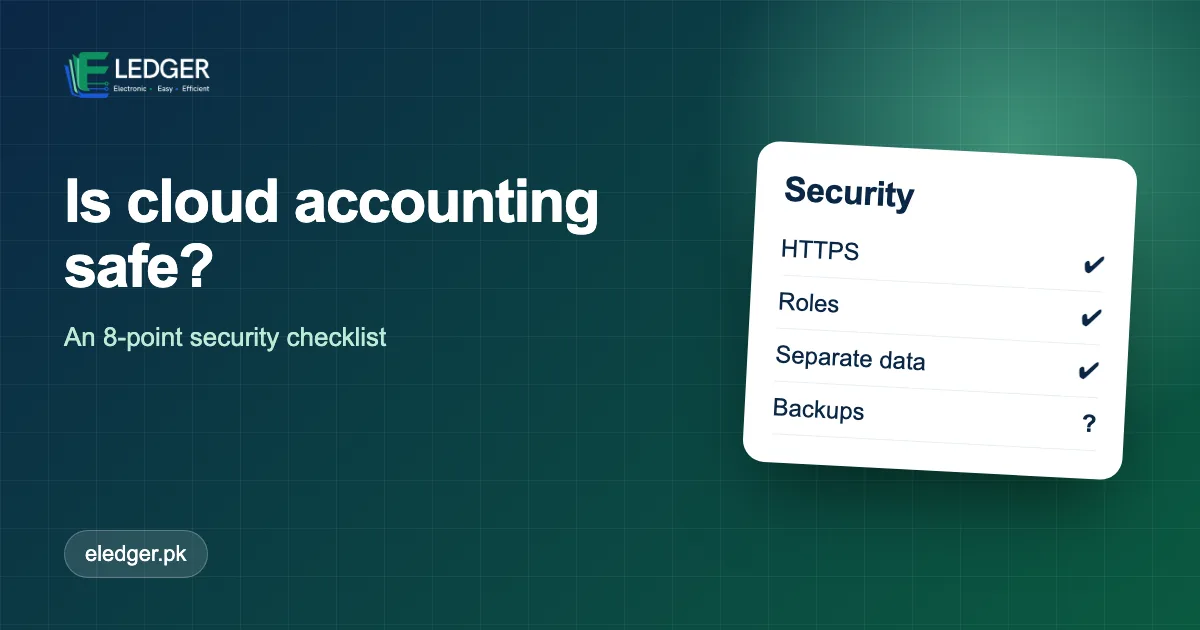
Eight Things To Check In Any Provider
1. Encrypted Connection
The address should start with https:// and show the padlock. This protects data travelling between your device and the server.
2. Separate Data Per Business
A multi-business platform must keep each company's data isolated so one customer can never see another's. Ask how this is enforced.
3. User Accounts And Roles
Each person needs their own login with only the permissions they need. Shared passwords are a red flag.
4. Strong Password Handling
Passwords should be stored as hashes, never in plain text, and you should be able to reset them without anyone telling you the old one.
5. Backups And Recovery
Ask how often data is backed up and how restoration works. "We have backups" is not an answer; "daily, kept for N days" is.
6. Data Export
You should be able to export your data. A provider that locks your records in is a risk to your business.
7. Activity Records
Knowing who created, changed or deleted a record deters fraud and helps you investigate mistakes.
8. A Real Company Behind It
Find out who runs the service, where to reach them and how long they have been operating. Check there is a phone number or WhatsApp line and a support process.
Your Side Of The Responsibility
| Habit | Why |
|---|---|
| Use a long, unique password | Prevents guessing and reuse attacks |
| Never share logins | Keeps actions traceable |
| Remove access when staff leave | Avoids leftover access |
| Keep your phone and computer updated | Closes known holes |
| Be cautious with links asking for your password | Most breaches start with phishing |
What About Internet Outages?
Cloud software needs a connection. A mobile hotspot on a phone is usually enough as a backup. If your location has frequent long outages, ask the vendor how they handle it before committing.
How Eledger Approaches This
- Each company works in its own private portal with its data separated from others.
- Staff sign in with their own accounts and roles that limit what they can see and change.
- The service is delivered over an encrypted HTTPS connection.
If you have specific questions about backups, hosting or data export, ask during your free trial and we will answer them plainly.
Frequently Asked Questions
What security features should e-ledger providers offer?
An encrypted HTTPS connection, separated data per business, individual logins with roles, hashed passwords, backups with a clear recovery process and the ability to export your data.
What if my internet goes down?
Cloud software needs a connection. A mobile hotspot is usually enough as a backup; ask the vendor how they handle long outages.